Inside a computer
Computers & Computational Thinking
Work at your pace. Take a break between stages; there is no countdown.
You need: paper, a pencil and this lab. A helper is welcome for reading and discussion.Connect to what you know
You already use a keyboard and screen. Today, follow what happens between them.
Understand it, step by step
- 1
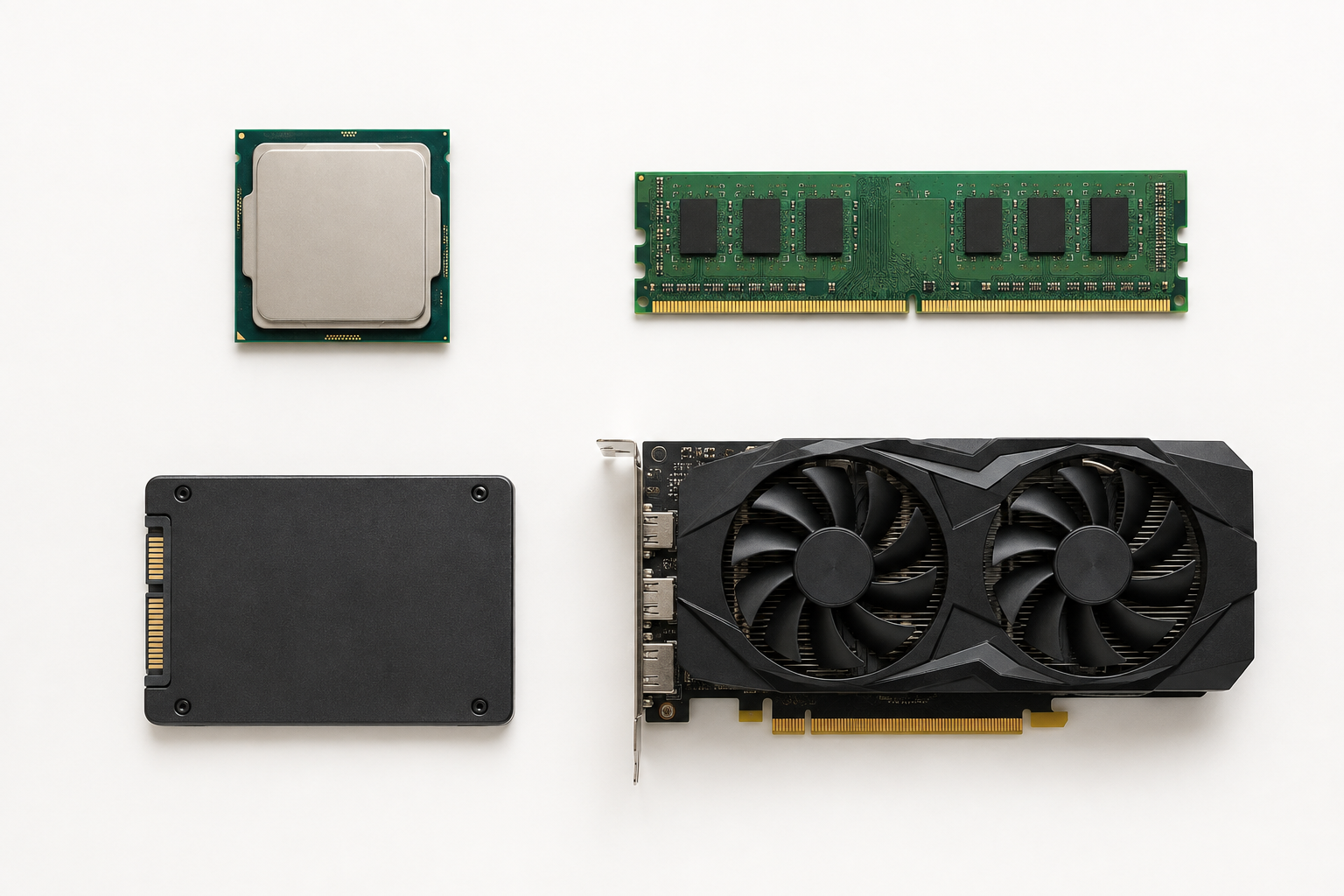
INPUT: pressing a key sends a signal. The CPU follows the program’s instructions to decide what to do with it. A CPU is a processor, not a box that stores all your photos.
- 2
WORK AND KEEP: RAM holds the information a running program is using. Ordinary RAM loses it when power goes off. Saving copies your work to storage, such as an SSD, which keeps it without power.
- 3
OUTPUT: the GPU helps calculate pictures for the screen. It is good at doing many similar calculations together. The screen shows the result; it does not decide the game’s rules. Some computers have a GPU inside another chip.
You draw a blue star: mouse input → CPU follows the drawing tool → RAM holds the open drawing → GPU helps display it. Click Save → a copy goes to the SSD. Close and reopen the saved file: storage supplies the copy.
Pause and predict
If you close an unsaved drawing, will a faster GPU bring it back? Explain before you test.