Give the robot senses
Electronics & Robotics
Work at your pace. Take a break between stages; there is no countdown.
You need: paper, a pencil and this lab. A helper is welcome for reading and discussion.Connect to what you know
A fixed route cannot notice a new obstacle. Add a measurement and a condition.
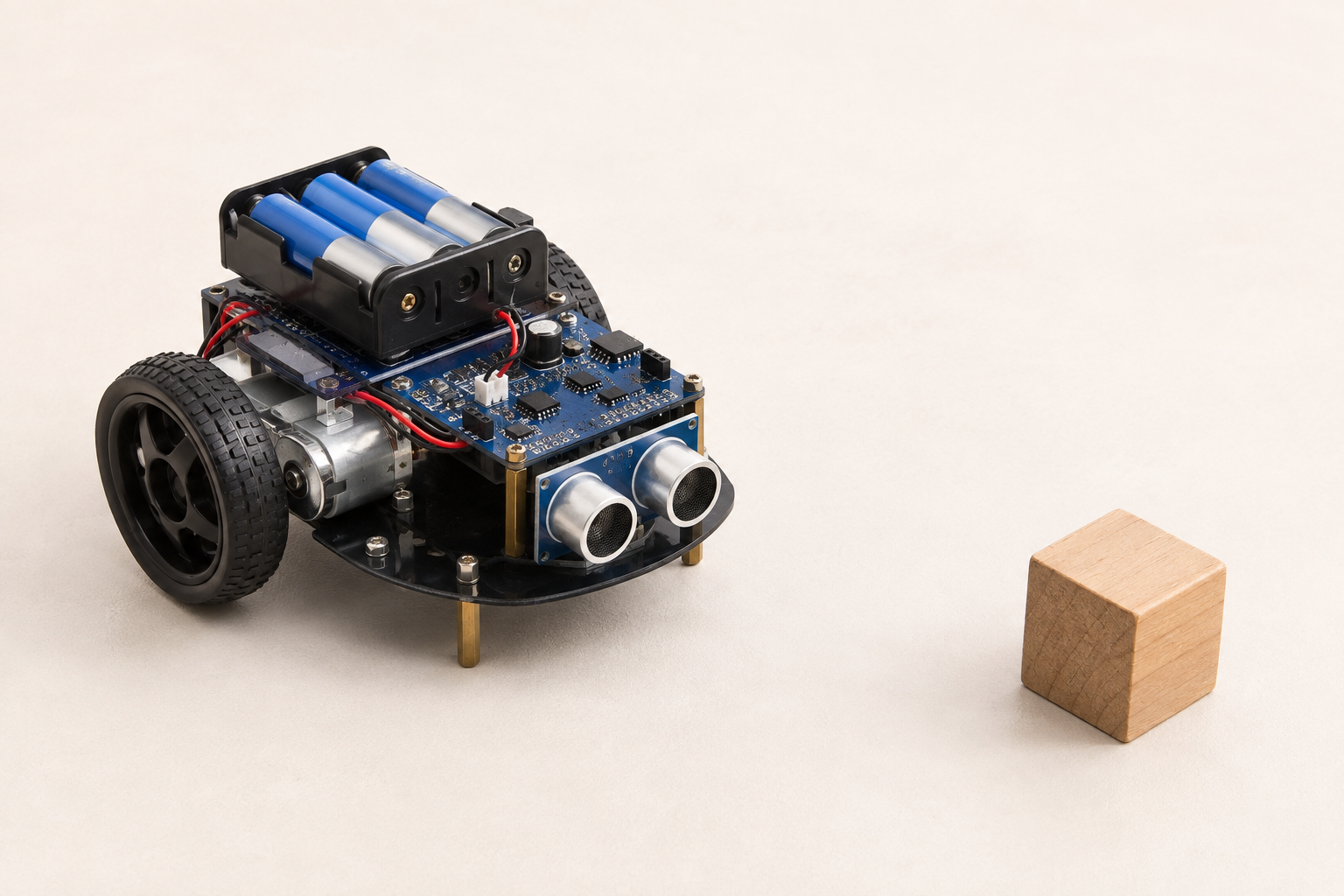
Understand it, step by step
- 1
A distance sensor measures how far away an object is. In our model the reading is centimetres; smaller means nearer.
- 2
A threshold is the boundary used by a rule. IF distance is less than 20 cm, stop; ELSE move. At exactly 20, “less than” is false.
- 3
A sensor only reports a value. The program chooses the action. Real sensors can be noisy, so a safety margin and repeated tests matter.
Distance 12, threshold 20 → stop. Distance 30 → move. Distance 20 → move under this exact rule. “Less than or equal” would behave differently at the boundary.
Pause and predict
What happens exactly at your chosen threshold?